

How to Export Transactions from Braintree (2026 Guide)
Follow these steps to export your Braintree transactions as a CSV file. Once exported, you can use any of our converter tools to transform the data for your target system.
Export Steps
Log in to the Braintree Control Panel
Open your browser and go to the Braintree Control Panel at braintreegateway.com. Sign in with your Braintree merchant credentials. If you have multiple merchant accounts, select the one you want to export transactions from.

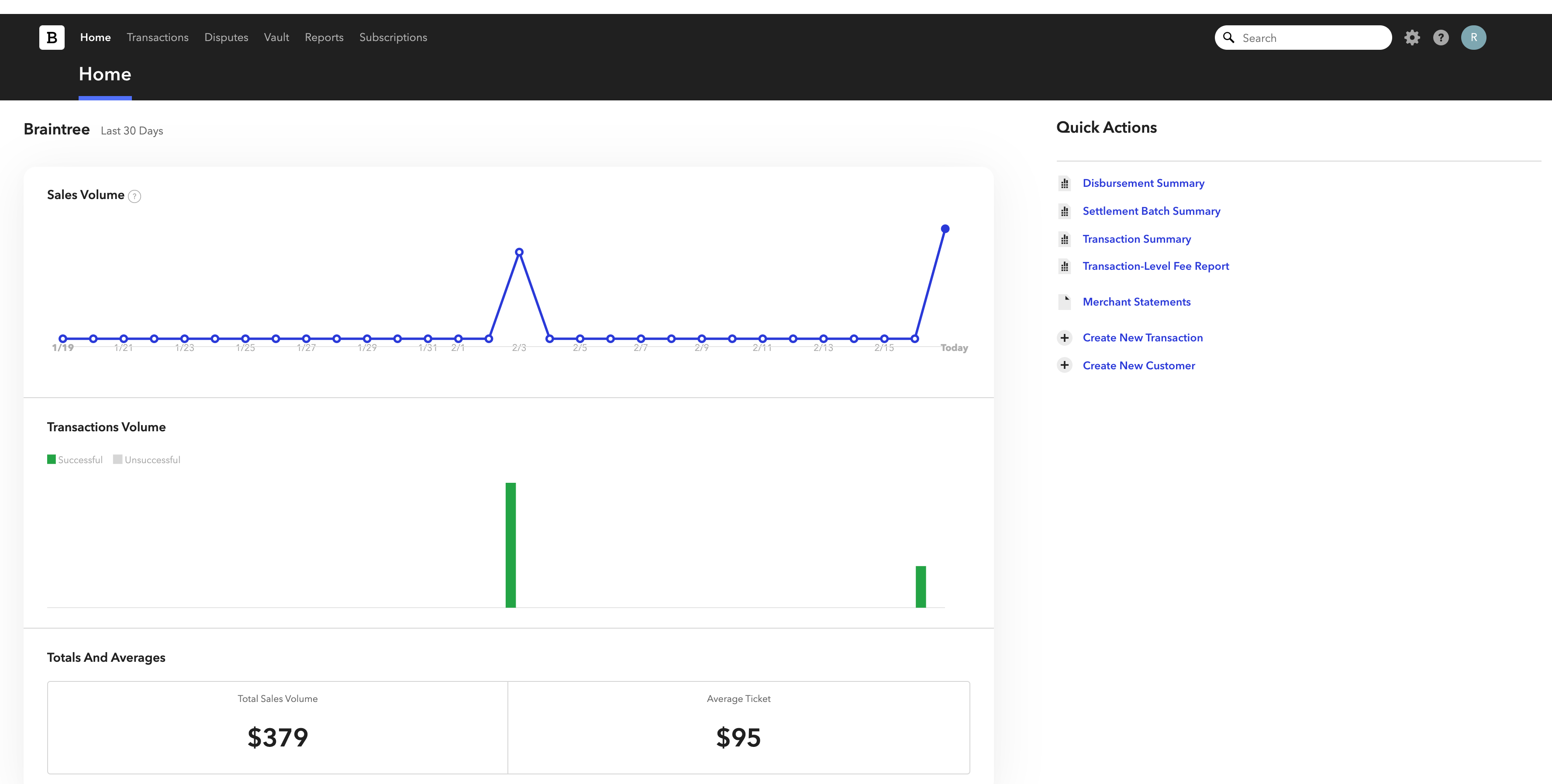
Navigate to the Transactions section
In the left-hand navigation menu of the Control Panel, click on 'Transactions'. This opens the transaction search interface where you can find, filter, and export your payment records.
Set up your search filters
Use the search form to filter transactions by date range, status, amount, payment method, or other criteria. At minimum, set the 'Created At' date range to cover the period you want to export. You can also filter by transaction status (e.g., 'Settled') to focus on completed payments.
Run the search
Click the 'Search' button to execute your query. Braintree will display matching transactions in a paginated list. Review the results to confirm the filters captured the transactions you need.
Download the CSV file
Above the search results, click the 'Download' button and select CSV as the format. Braintree will generate a file containing all matching transactions, not just the current page. The export includes fields like Transaction ID, Order ID, Transaction Type, Status, Amount, Currency, and customer details.

Verify the exported data
Open the downloaded CSV file in a spreadsheet application. Braintree uses Title Case column headers with spaces (e.g., 'Transaction ID', 'Transaction Status'). Confirm that the row count matches the search result count and that key fields like Amount, Created At, and Settlement Batch ID are correctly populated.
Required Transactions Fields
| Field | Type | Description | Example |
|---|---|---|---|
| Transaction ID | Text | Braintree transaction ID (unique) | abc123xyz |
| Transaction Type | Choice | Transaction type | sale |
| Transaction Status | Choice | Transaction status | settled |
| Created At | Date/Time | Transaction creation timestamp | 2025-01-15T10:30:45Z |
| Amount | Currency | Transaction amount | 149.99 |
Your Braintree export must include these fields for successful conversion.
