

How to Export Payments from Walmart Marketplace (2026 Guide)
Follow these steps to export your Walmart Marketplace payments as a CSV file. Once exported, you can use any of our converter tools to transform the data for your target system.
Export Steps
Log in to Walmart Seller Center
Open your web browser and navigate to seller.walmart.com. Sign in with your primary admin account credentials. A desktop browser is recommended for the best experience with the reporting interface.
Navigate to Analytics and Reports
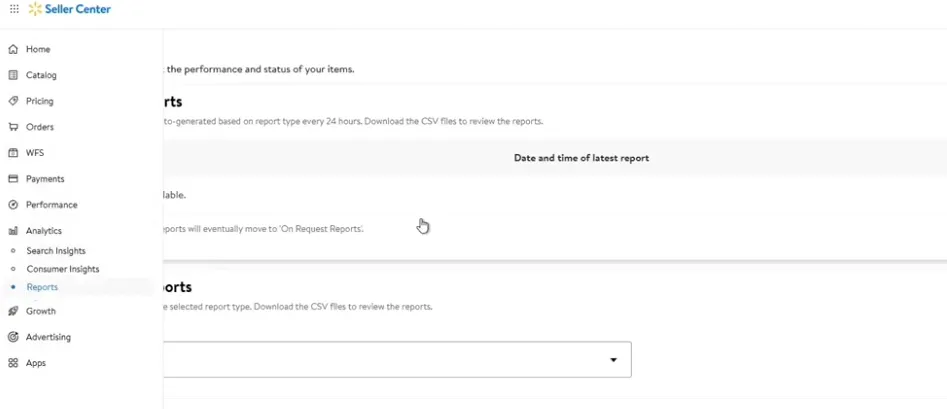
In the left-hand navigation menu, click on 'Analytics & Reports'. From the submenu, select 'Financial Reports' and then 'Payments' or 'Settlement Reports' to access your payment statement history.
Select a settlement period
Browse the list of available payment periods. Each period corresponds to a settlement cycle and shows the payment date, total amount paid, and the bank account used for the deposit. Click on the period you want to download.
Choose the report version
Walmart offers two download options: the 'New Version' provides a summarized report, while the 'Legacy Version' includes a more detailed line-item breakdown with individual transaction records, fees, and tax details. For bookkeeping purposes, the legacy version is usually more useful.

Download the Payments Report
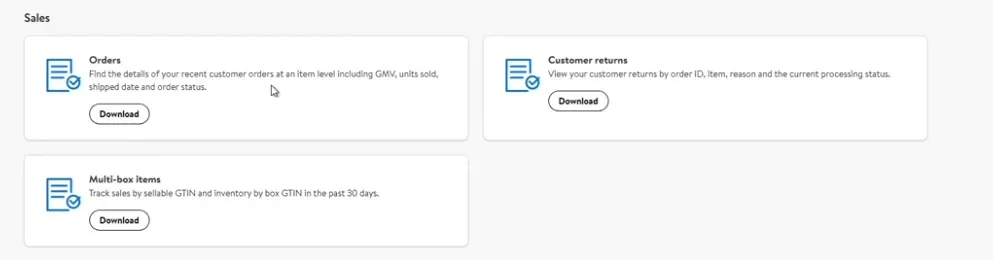
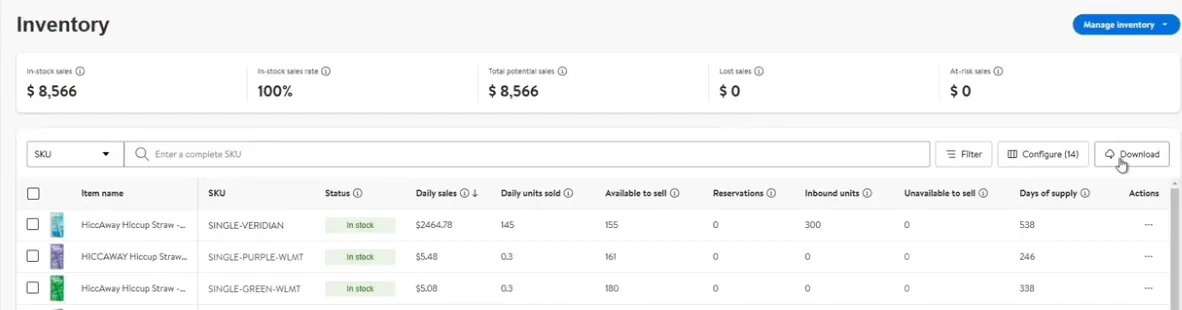
Click the 'Download' link at the top right of the report view and select your preferred format from the dropdown menu. The CSV file will contain one row per transaction line item with columns for transaction key, type, date, order references, product details, fees, taxes, and net payment amount.
Set the date range for custom reports
If you need a report spanning multiple settlement periods, use the date range selector to specify a custom start and end date. Walmart typically allows up to 90 days of data per export. Click 'Generate Report' and wait for the file to be prepared.

Open and verify the downloaded file
Open the CSV in Excel, Google Sheets, or another spreadsheet application. Verify that the settlement total matches the amount deposited to your bank account. Pay attention to the 'Transaction Type' column to distinguish between sales, refunds, fees, and adjustments.
Reconcile fees and fulfillment charges
Review the referral fee (commission), WFS fulfillment fee, and WFS storage fee columns for each transaction. These marketplace fees should be recorded as expenses in your accounting software. The 'Net Payment Amount' column reflects your final payout after all deductions.
Required Payments Fields
| Field | Type | Description | Example |
|---|---|---|---|
| Transaction Key | Text | Unique transaction identifier | TXN-xxxxxxxxx |
| Transaction Type | Choice | Type of transaction | Sale |
| Transaction Date | Date | Date transaction occurred | 2025-01-15 |
Your Walmart Marketplace export must include these fields for successful conversion.
