

How to Export Products from eBay Seller (2026 Guide)
Follow these steps to export your eBay Seller products as a CSV file. Once exported, you can use any of our converter tools to transform the data for your target system.
Export Steps
Sign in to eBay and open Seller Hub
Go to ebay.com and sign in with your seller account. Navigate to Seller Hub by clicking My eBay and then Selling, or go directly to ebay.com/sh/overview.
Navigate to the Reports tab
Click the Reports tab at the top of Seller Hub. This section contains bulk management tools for listings, orders, and other seller data. The Downloads page allows you to generate on-demand reports of your active inventory.
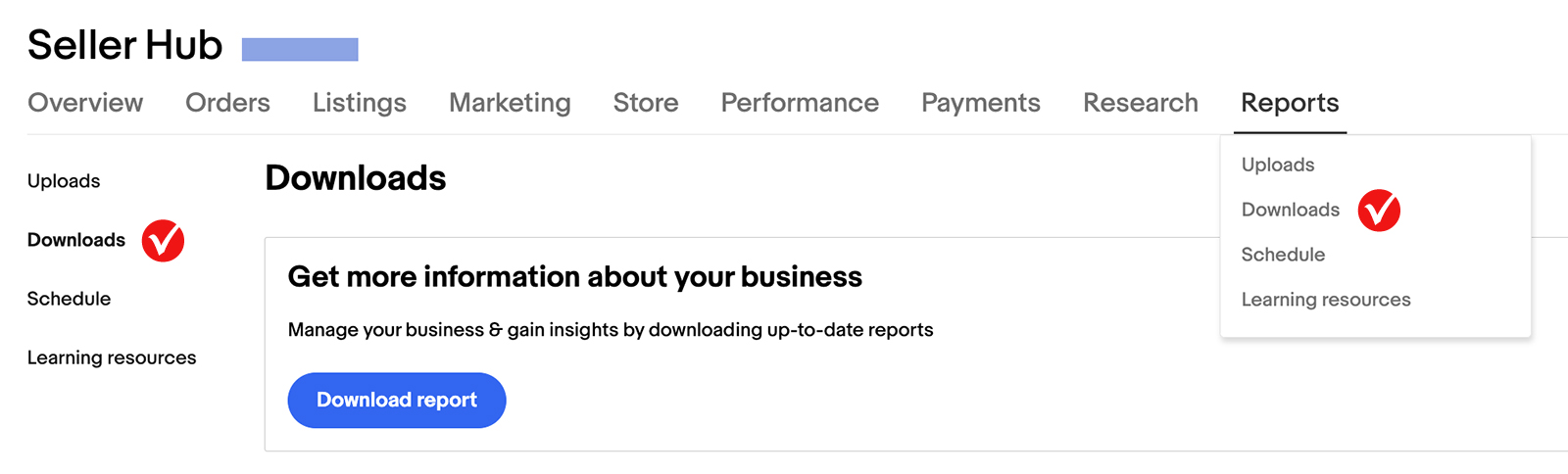
Open the Downloads section and select Listings
In the left-hand menu, click Downloads. Then click Download report or Create download. Select Listings as the report source from the available options.
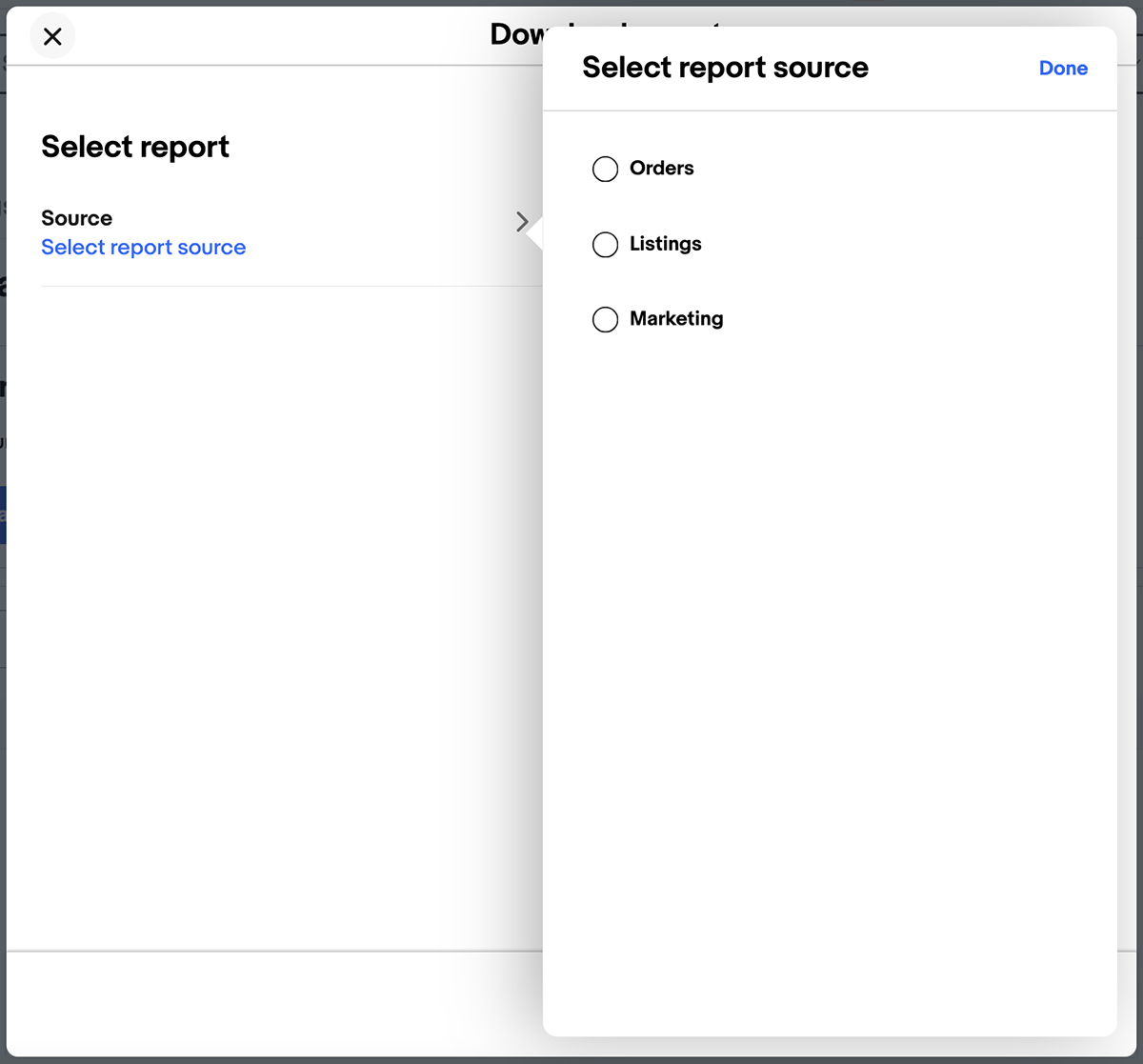
Choose All active listings as the report type
From the type dropdown, select All active listings. This ensures the export includes every currently live listing in your eBay store. The report will be generated in the File Exchange CSV format with all product fields.

Download the report
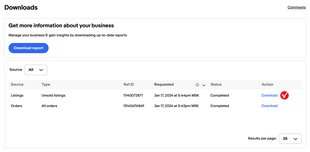
Click Download to generate the file. eBay will prepare the CSV and add it to your recent downloads list. Once processing is complete, click Download next to the report to save it to your computer.
Alternative method using Active Listings view
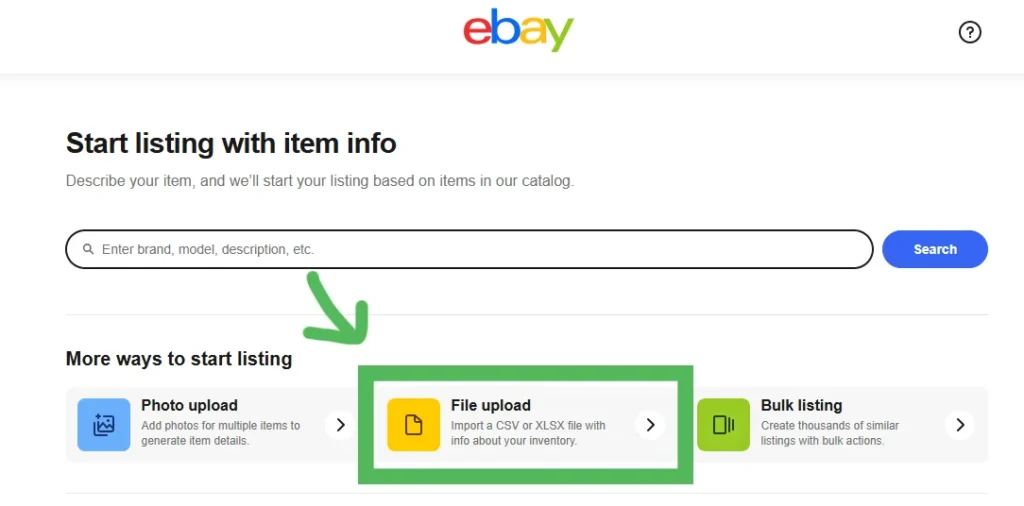
You can also export from the Active Listings page directly. Go to Seller Hub Listings, select the listings you want to export using the checkboxes, choose Export to File (or Export to CSV) from the Actions dropdown, and save the file. This method gives you more control over which specific listings to include.

Review the product data
Open the CSV in a spreadsheet application. Each row represents one active listing. Key columns include Title, Custom label (SKU), StartPrice, Quantity, PicURL (pipe-separated image URLs), ConditionID, Category, and Item Specifics columns prefixed with "C:" (such as C:Brand, C:Size, C:Color).
Understand the File Exchange format
The exported CSV uses eBay's File Exchange format. Image URLs are separated by pipe characters (|) within the PicURL column. Item Specifics use the "C:" prefix convention (e.g., C:Brand, C:MPN). Condition codes are numeric (1000 for New, 3000 for Used). This format can be used for bulk re-listing or migration to other e-commerce platforms.
Required Products Fields
| Field | Type | Description | Example |
|---|---|---|---|
| Title | Text | Product title/name | Nike Air Max 270 - Black/White - Size 10 |
| StartPrice | Currency | Buy It Now price | 150.00 |
| Quantity | Number | Available quantity | 5 |
Your eBay Seller export must include these fields for successful conversion.
