

How to Export Transactions from Cash App (2026 Guide)
Follow these steps to export your Cash App transactions as a CSV file. Once exported, you can use any of our converter tools to transform the data for your target system.
Export Steps
Log in to your Cash App account
You can export your transaction history from either the Cash App mobile app or the web at cash.app. Sign in with your Cash App credentials and complete any verification steps. Both the app and web interface support CSV exports.
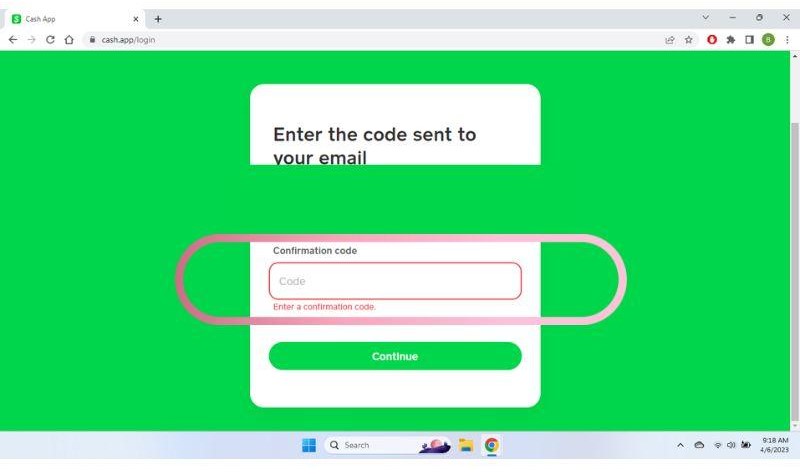
Navigate to Account Statements (web) or Activity (app)
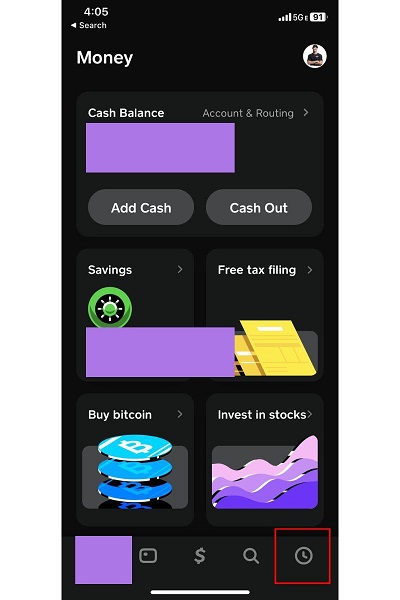
On the web, click on 'Statements' in the upper-right corner of the dashboard. On the mobile app, tap the 'Activity' tab at the bottom of the screen, then tap the three-dot menu icon in the top-right corner to access export options.
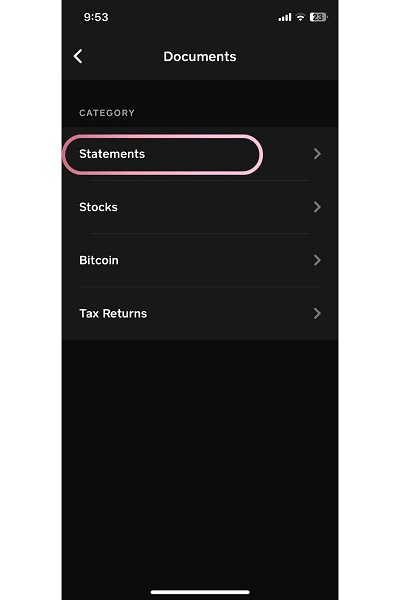
Select Export CSV
Click or tap 'Export CSV' to begin the export process. This will bring up options to choose the date range for the transactions you want to download. Cash App provides your complete transaction history since account creation.

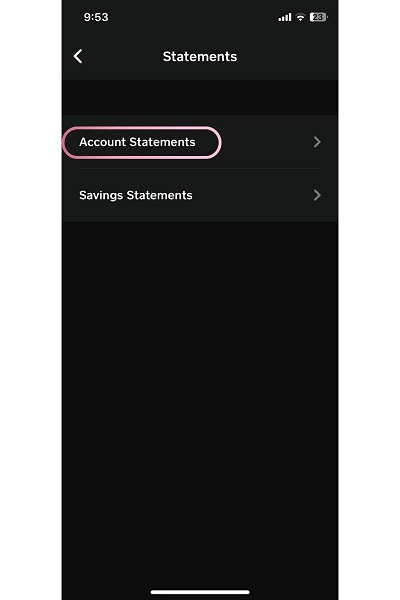
Choose your date range
Select the month or custom date range for the transactions you want to export. You can choose a single month for monthly bookkeeping or a broader range for quarterly or annual reports. Cash App retains your full history so you can go back to your earliest transactions.
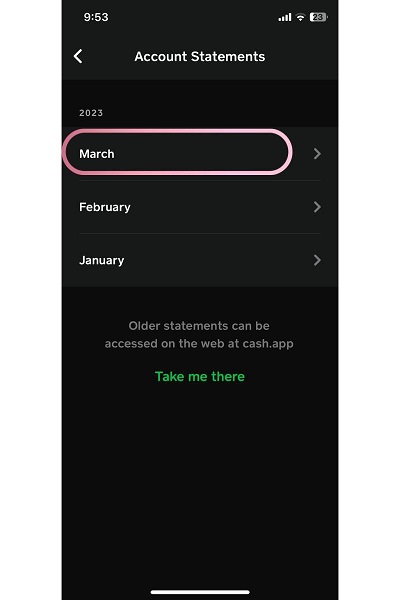
Download the CSV file
Tap or click 'Export' to generate and download the file. The CSV will include fields such as Date, Transaction Type, Currency, Amount, Fee, Net Amount, Status, Notes, and Name of sender/receiver. The file will be saved to your device's downloads folder.
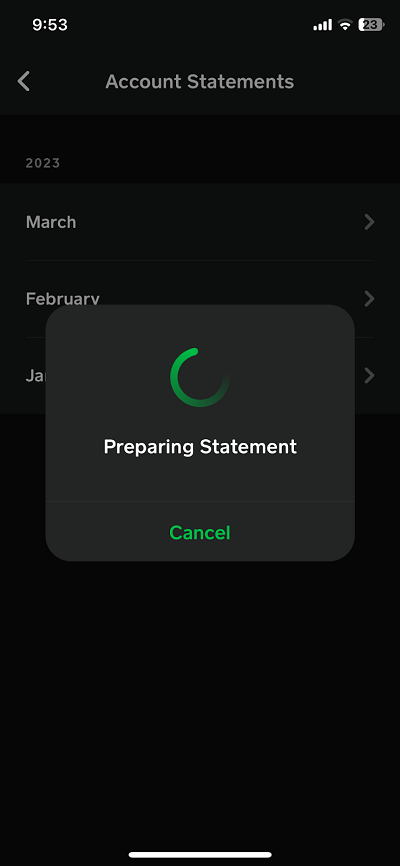
Verify the exported data
Open the CSV file in a spreadsheet application and confirm that all expected transactions are present. Check that the Date, Amount, and Transaction Type columns are populated correctly. Pay special attention to cash-out and bitcoin transactions, which may appear as separate transaction types.

Required Transactions Fields
| Field | Type | Description | Example |
|---|---|---|---|
| Date | Date | Transaction date | 01/15/2025 |
| Transaction Type | Text | Type of transaction (Cash Out, Payment Sent, Payment Received, etc.) | Payment Received |
| Currency | Text | Currency code | USD |
| Amount | Currency | Transaction amount | 50.00 |
| Net Amount | Currency | Amount after fees | 48.50 |
| Status | Choice | Transaction status | Completed |
Your Cash App export must include these fields for successful conversion.
